

Features 정원마스터
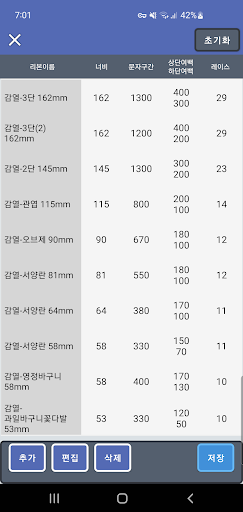
▶ JW-1660 IntroductionJW-1660 is a 7 inch large area wreath ribbon printer, and is a high-speed thermal printer that is differentiated from existing inkjet printers.It is a portable mobile printer that can be portable and can be printed without any restrictions on the location.It can be moved anywhere in the vehicle using a smartphone app and printed anywhere, anytime.
(Printable via PC and Android apps)▶ JW-1660 advantages-Unlike Inkjet, there is no fixed expenditure on cartridge replacement due to ink consumption.
(No maintenance cost)-High-speed printing saves time spent on ribbon printing.
(Printing speed of MAX 130mm / sec)-It is mounted on the vehicle with the miniaturization of the printer, and can be output using a smartphone app.-Ribbon can be installed inside the printer.-Automatic cutting is possible after ribbon printing.
Food & Dining
Discover recipes and order food from your favorite restaurants.
Smart Home
Control and monitor your home with smart features.
Automotive
Manage and monitor your vehicle with smart features.
See the 정원마스터 in Action
Get the App Today
Available for Android 8.0 and above